
Restaurant Internet & Outages
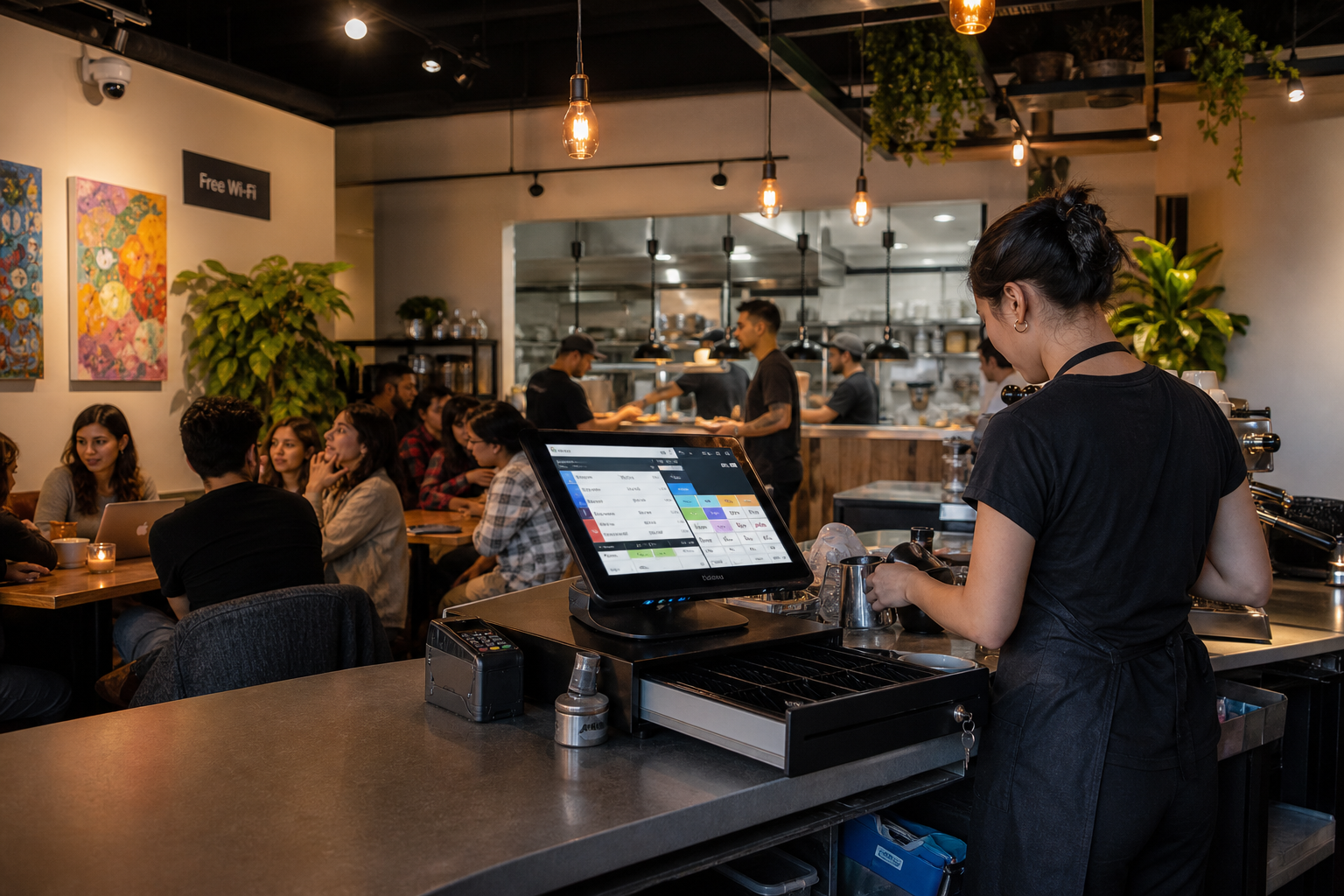

If you run one register, wired to your router, in a small space, you probably don't need a managed network. If you run several devices, guest wifi, security cameras and online orders over one connection, your network is already the weakest part of your point of sale, and most owners don't find out until a Friday rush.
This guide covers what we actually find when we walk into these places, the symptoms you can spot yourself, what happens on our side when a site drops, and where a managed network stops helping. It includes real numbers from the sites we watch, and the questions worth asking any POS vendor, including us.
A nationwide cafe franchisee in Los Angeles kept having trouble with one of their registers. They did the sensible thing and used the warranty: a replacement device was overnighted to them. It failed inside a week.
At that point the hardware has told you something important. Two devices do not fail the same way by coincidence. We sent a technician out in person, and the problem was not the register and not only the network. It was the power coming into the cafe. Surges were frying power supplies and networking components, which is why a brand new device lasted days.
The fix was a layered defense: backup power and physical surge management, alongside the network work. That site has been clean for the past year.
We lead with this story because it is the honest version of what "do I need a managed network" really asks. The owner's question was "why does my register keep dying." The answer was two layers underneath the thing they were looking at.
Every install starts with a free network and security assessment, before anything is put in, so we see a lot of these rooms as they really are. The same things come up again and again:
That last one matters more than it sounds. If you can't change the connection coming into the building, then everything after it has to carry the weight: how it's split, what gets priority, and what happens when it fails.
Here are our own numbers, as of October 2026. We monitor 75 sites. Across those sites we log 146 main-connection outages in a typical month. That works out to roughly two a month at the average site.
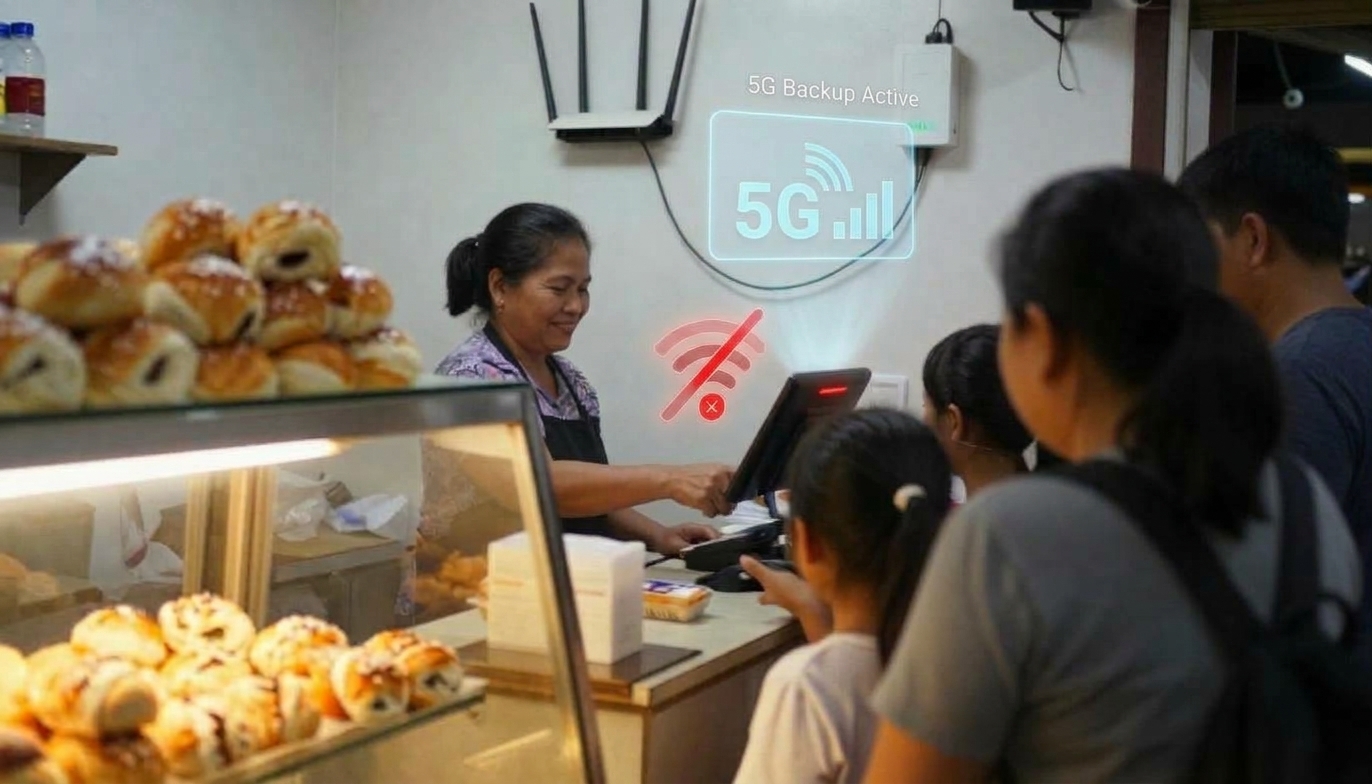
Almost none of those owners called us about an outage, because they didn't have one. When the main connection fails, backup internet takes over automatically, inside three failed monitoring pings, which is three to seven seconds. Service keeps running. Cards keep approving. The outage becomes a line on a dashboard instead of a problem in the dining room.
If you don't have that, the same drop is a queue of people at the counter. The question isn't whether your connection will fail. At two a month, it already does.
You don't need monitoring to suspect this. You need to know what it looks like from behind the counter. These are the complaints that get blamed on the POS, or on staff, and are usually the network or the power:
The cash drawer is the one that surprises owners. Nobody connects a drawer that won't open to their network or their power, so it gets written off as a faulty drawer. If two or three things on that list are happening in the same week, the common factor is underneath all of them.
Plenty of shops don't. If you have a single register, a small footprint, and an easily wired connection to the router and the back-of-house printer, that setup does not need a managed network. Run the cable, keep the guest wifi separate from it, and get on with your day.
We would rather say that plainly than sell something to a counter that doesn't need it. The moment it stops being true is when devices multiply: a second register, a handheld, a kitchen display, cameras, a kiosk, online orders. Each one is another thing sharing the same pipe, and another thing that can fail in a way that looks like a POS problem.
This is the part worth understanding before you buy anything from anyone, because it's what you're actually paying for. When one of our sites drops a connection during service:
Compare that to the version most owners know: an hour on hold, the internet provider pointing at the POS company, the POS company pointing back at the internet provider, and the owner's precious little time going into a problem that is nobody's job. Your internet provider has no accountability for your POS, and your POS vendor has no accountability for your network. That gap is the whole thing.
Fair question, and the answer isn't that they're lazy. There are other good companies taking the same approach we do, and they deserve credit for it.
It comes down to background and reach. Cliqbux was founded in the IT department of a 300-location airport concessions company, so IT is the foundation of how we work rather than something bolted on after the POS. Many POS companies don't have that history, and more to the point they don't have the resources to send someone out in person to redesign the network for one small business. Shipping a box is cheap. Standing in the room, finding the surge problem, and rewiring the back of house is not.
Cliqbux installs the POS, runs the payment processing, and builds and manages the network it runs on. We do not replace your internet provider. We work with the connection you already have, add our own equipment, and add backup internet on top of it.
Ask these three of whoever is sitting across from you. The answers tell you whether that vendor will own the problem or hand it back:
The second one matters more than it looks. Payments stored while you're offline aren't approved in real time, and the liability for a card that declines later usually lands on the business. Square's own documentation says the seller is responsible for any expired, declined or disputed payments taken offline. That's true of every system that stores payments offline, including ours. It's a last resort, not a plan, which is the reason failover exists.
Being straight about the limits: even with the network properly managed, we can't always solve for
That last one is a joke until it isn't. A managed network gives payments and orders priority over everything else, which handles a lot of it, but the laws of physics and a thirty-year-old printer are still the laws of physics and a thirty-year-old printer. Anyone promising otherwise is selling you something.
No. Your internet provider brings a connection to the building. Everything after that, the router, the switches, the wifi, the separation between guests and registers, and the backup connection, is your network. A managed network means one team designs, installs, watches and fixes that, on top of whatever provider you already use.
Usually not. Most of our sites keep the provider they have. We tie into that connection and add backup internet, which is the one connection we do supply.
Look at the symptom list above. Lagging payments, a cash drawer that won't open, scanning delays, tickets not firing, missing online orders. If several are happening in the same week, the shared cause is probably underneath them. A network and security assessment will tell you either way.
That happens, and it's often the landlord's call rather than yours. It doesn't end the conversation. What changes is how the existing connection is split, what gets priority, and how quickly the backup takes over.
For a single wired register, often yes. Once several devices share the connection, the router is one part of a bigger question: what's separated from what, what has priority, what happens on failure, and who is watching.
It starts with a free network and security assessment, before anything is installed, with on-site installation across the US and Canada. If your register keeps misbehaving and nobody can tell you why, that's the place to start. Book an assessment or a demo.